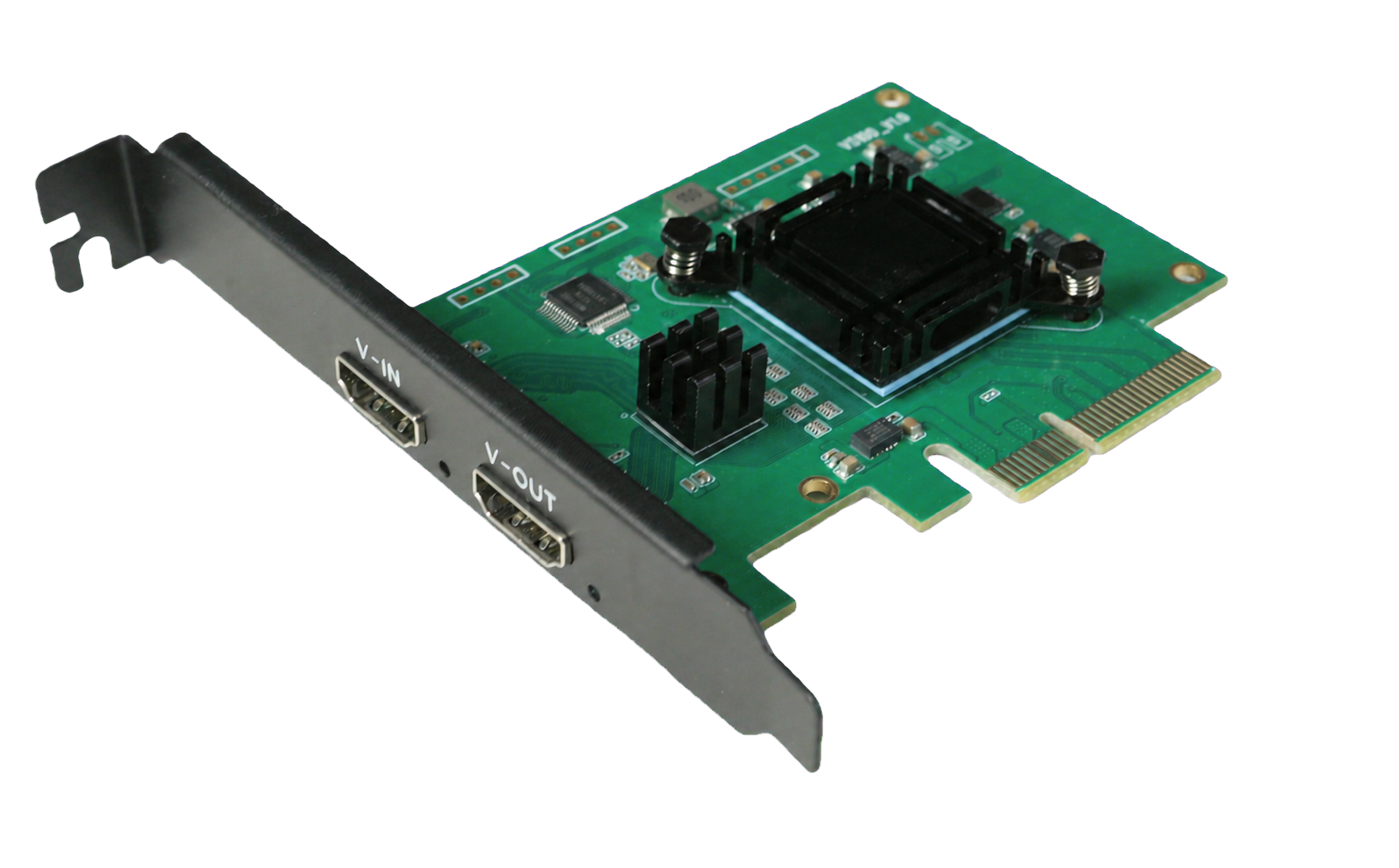
ULTRA HD
3840×2160@50Hz
Built for single-channel 4K Ultra HD video sources, meeting high-resolution and high-frame-rate capture requirements.
PIXEL FORMAT
High-Quality XRGB Format
Preserves complete RGB color components for preview, compositing, analysis, and further processing.
PROFESSIONAL DESIGN
Professional Capture Design
Ideal for high-quality video capture, professional deployments, and long-term system integration.

WHY XRGB
Benefits of the XRGB Format
Complete RGB Color Information
Represents images with independent RGB components, making it ideal for image-processing workflows focused on color accuracy and detail.
Software-Friendly Processing
Well suited to preview, image compositing, algorithmic analysis, and further processing by application software.
Designed for High-Quality Workflows
Ideal for applications that demand excellent image clarity, color reproduction, and processing quality.
CAPTURE WORKFLOW
4K50 Video Capture Workflow
01 · HDMI SOURCE
Connect a 4K HDMI Source
Connect a camera, computer, media player, or other HDMI video device.
02 · PCIe CAPTURE
Capture and Transfer
Transfer 4K50 XRGB video data to the host via PCI Express.
03 · APPLICATION
Application Processing
Use the captured video for high-quality preview, recording, compositing, analysis, or integration with industry software.
04 · HDMI LOOP
Local Loop-Out Monitoring
Connect a display through HDMI loop-out to create an integrated capture and monitoring workflow.
KEY SPECIFICATIONS
Key Specifications
| Product Type | Single-Channel HDMI PCIe Video Capture Card |
|---|---|
| Maximum Capture Format | 3840×2160@60Hz |
| Pixel Formats | XRGB, YUY2 |
| Video Interfaces | HDMI Input, HDMI Loop-Out |
| Host Interface | PCI Express |
APPLICATIONS
Typical Applications
4K Video Preview and Recording
Professional Live Streaming and Recording
Machine Vision and Inspection
Medical Imaging Equipment
Image Analysis and Algorithm Processing
Professional Equipment Integration
OEM / ODM System Integration
Specification Notice:4K50 and XRGB capabilities depend on the input signal, host platform, driver, and application software configuration. For other supported input resolutions, frame rates, operating systems, drivers, and software interfaces, please refer to the relevant product specifications and final confirmed documentation.